


如何在线删除 PDF 页面
只需几步,即可快速轻松完成 PDF 编辑。
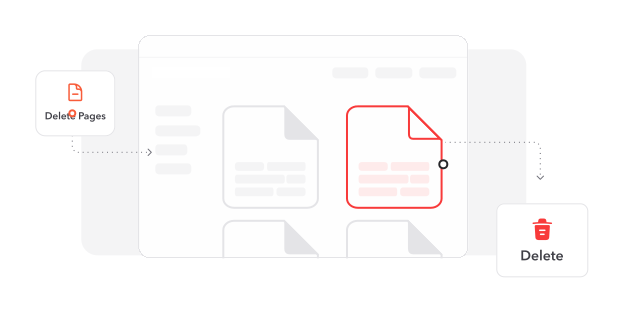
1
加载 PDF. 使用上传按钮或文件拖放区域导入您的文档。
2
移除不需要的页面. 选择页面缩略图,并使用删除选项移除不必要的内容。
3
保存精简文档. 完成更改,并获取仅保留必要页面的优化文件。
深受用户信赖
看看其他用户如何使用 Cacao Docs 删除 PDF 页面。

12月10日
易用且高效
轻松从我的报告中删除了不必要的页面。简洁的界面让整个过程快速且直观。


婷婷
12月7日
支持出色!
满足我所有 PDF 需求的高效快速服务。客户支持非常出色,响应迅速。

建国
12月9日
质量和服务令人印象深刻
页面删除过程流畅,文档质量保持度高。支持团队也提供了出色帮助。

小文
今天有 2718 人生成了 PDF 文件
@ben**
3 分钟前
@oli***
9 分钟前
@dan***
13 分钟前
受信赖并由 行业专家保障安全





为什么选择我们的工具来删除 PDF 页面
优化文档结构
移除不需要的页面,创建重点明确的专业文档,突出核心内容,同时减小文件大小,便于分享。
全面的文档编辑器
除了删除页面,还可通过添加文本、插入图片、电子签名和批注来增强 PDF,实现完整的文档自定义。
保持文档卓越品质
在整个删除过程中保留像素级精准质量,确保剩余页面保持专业外观。
简化的用户体验
轻松使用 Cacao Docs 的精简界面——无需培训即可高效管理和修改 PDF 文档。
灵活的导出选项
将编辑后的文档转换为 DOCX、PNG 或 JPEG 等多种格式,确保兼容不同平台和应用。
基于浏览器的解决方案
无需安装软件,即可通过网页浏览器立即访问我们的页面删除工具,随时随地流畅编辑。




常见问题
快速了解如何充分利用我们的工具。